


On this page
An intrusion alarm watches a closed site and raises an alarm when someone is where they should not be. It is a panel, a set of sensors grouped into zones, and a way to arm and disarm. This sheet explains those pieces for a home, an office, or an industrial site, and how the alarm reaches a person.
What to define before the panel is programmed
- The boundary and the rooms. Doors and windows first, then the spaces inside them.
- Who is still inside when it is armed. A night partition that protects the store while a guard uses the office is a different program from “everyone has left”.
- Who is told. A siren on the wall, a phone alert, a monitoring station, or all three.
- What must not cause an alarm. Animals, fans, roller doors that rattle, and staff who enter through a side door.
Zones and sensors
| Sensor | Watches | Weak at |
|---|---|---|
| Magnetic contact | A door or window leaf leaving its frame | Someone who breaks in without opening that leaf |
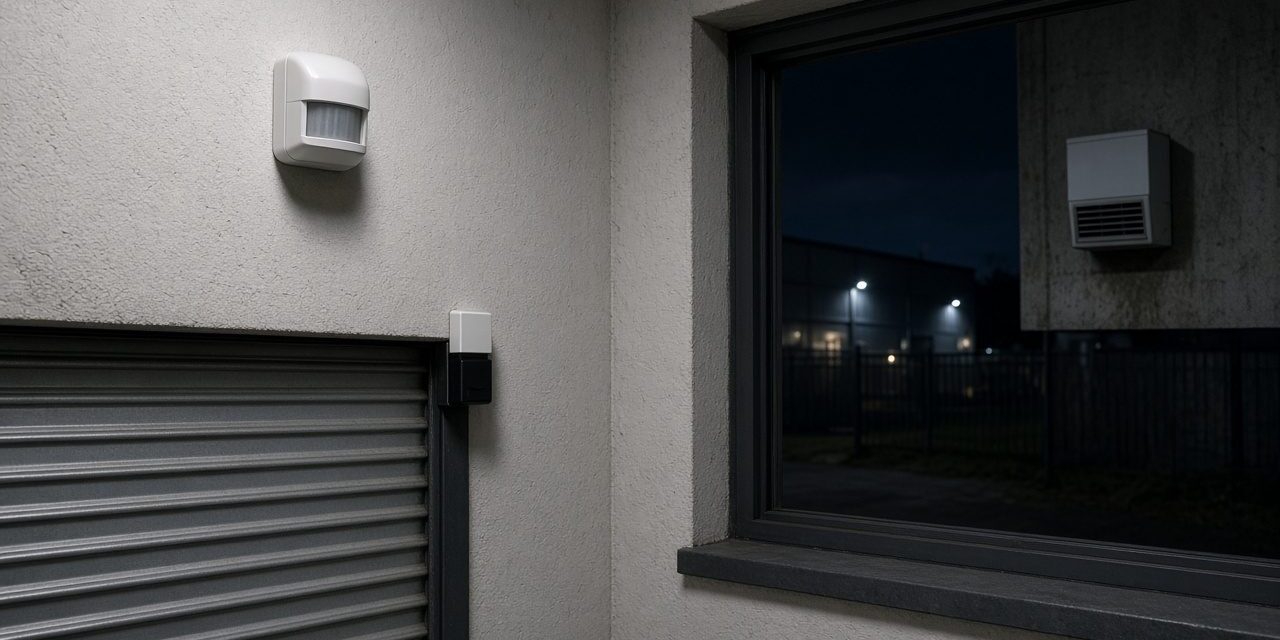
| PIR (passive infrared) | A person moving across a room, by body heat | Still air that is not still: heaters, sun, and some animals |
| Microwave, or dual technology | Motion confirmed two ways, so a single false cause is ignored | A bad aim that looks through glass or a thin wall |
| Glass-break | The sound or shock of breaking glass | Other sharp noises, if the device is a poor match for the room |
| Vibration | An attack on a wall, a grille, or a safe | A roller door or a machine that shakes in normal use |
A zone is the group the panel reports: “warehouse door” rather than a nameless input. Partitions let one area be armed while another stays open. PSS fits multi-zone systems for homes, offices, and higher-risk sites, with remote arming and an alert on the phone, and with a path to a central monitoring station where the site wants someone else to answer.
Arming is a procedure, not a button
Away arm expects the building to be empty after an exit delay. Stay arm protects the boundary and leaves selected interior zones off. If people cannot arm without a false “open zone”, they will stop arming. The fix is the zone list and the entry door, not a longer code. Cameras and access control help afterwards: the alarm says when, the camera shows who, the door log shows whose credential was used.
Practical intrusion-alarm design notes
- Layer the detection. Perimeter contacts warn at the boundary, motion detectors cover the room, and glass or vibration sensors cover an attack path. One sensor type should not carry every risk.
- Plan the power and communications path. Panel battery capacity, external siren wiring, phone or IP signalling, and the behaviour during an internet outage must be documented.
- Make arming usable. Define entry and exit delays, stay and away partitions, authorised bypass rules, duress handling, and the response to repeated alarms.
Walk-test every detector with the correct partition armed, confirm the panel zone text, check tamper circuits, remove mains and verify the battery alarm, then test the phone or monitoring path. Record sensor location, type, zone, bypass rule, and the last battery test.
Common problems and how to fix them
It will not arm
A zone is open. Usually a door contact, a window, or a PIR that still sees someone. The keypad names the zone. Close it or bypass it deliberately. A standing bypass is how a real door gets left out of the system.
False alarms from the same room
- A PIR looking at a window, a heater, or an insect on the lens.
- A dual-technology detector aimed so the microwave looks outside the room.
- A loose contact on a door that moves in the wind.
The siren ran and nobody came
A local siren deters. It does not summon a person. Phone alerts and a monitoring path have to be tested, including what happens when the site’s internet is down. A radio or a mobile path is the usual second route.
Frequently asked questions
Is an intrusion alarm the same as a fire alarm?
No. Different detectors, different panels, different rules. A site often has both. They should not be forced onto one set of sounders without a design that keeps a fire warning unmistakable.
Can I arm it from my phone?
Yes, if the panel supports it and the account is set up. The phone does not remove the need for a correct zone list. Arming a building that still has a door open just moves the argument to the phone screen.
Do I need a camera as well?
The alarm tells you that something happened and where the zone is. A camera on that zone tells you what it was. For a gate or a store, the two together are the useful pair.
Talk to PSS about detection
PSS designs and maintains intrusion alarm systems for homes, offices, and industrial sites. Contact the PSS team to book a first site survey.
