


On this page
Access control decides who may open a door, a gate, or a turnstile, and it keeps a record of that decision. The same record is what a time-attendance report is built from. This sheet separates the reader, the lock, and the controller, from a single door to several sites.
What to decide door by door
- Who needs to pass, and when. Staff, contractors, visitors, and vehicles are different credentials and often different doors.
- What happens in a fire. A locked escape door has to release. That link is designed with the fire alarm, not added after an inspection.
- Fail-safe or fail-secure. On power loss, does the door unlock or stay locked? Escape routes and store rooms answer this differently.
- Whether attendance is in scope. A door log is not a payroll file until the rules (shifts, breaks, which reader counts as “in”) are agreed.
Reader, lock, controller
| Part | Job | Typical choices |
|---|---|---|
| Reader | Takes the credential | Card, fingerprint, face, or a PIN pad. Two of these together where the door justifies it |
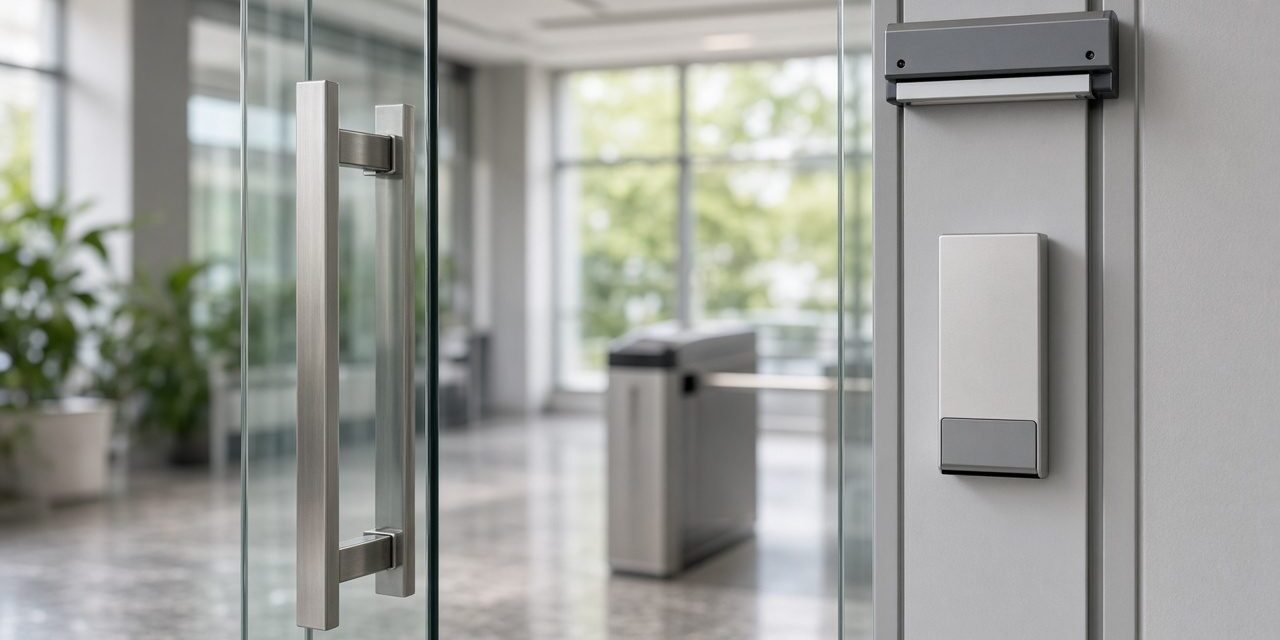
| Lock | Holds the door | Electric strike, magnetic lock, or a turnstile for a lobby |
| Controller | Decides, unlocks, and stores the event | A door controller on the secure side, reporting to software on site or in the cloud |
A card is simple to issue and simple to cancel, which matters when people leave. A fingerprint or a face is harder to lend to someone else, and it fails more often with dirt, light, or a queue. A PIN on its own is easy to share. PSS fits the reader to the door rather than using one technology everywhere, from a single entrance to a multi-site system, with attendance that can be passed to payroll software.
The event is the product
Every accepted and refused attempt should name the person, the door, and the time. That log is what security reviews after an incident and what attendance uses for hours. A camera covering the same door is the picture that goes with the log. The two systems are useful together and weak as substitutes: a camera does not unlock a door, and a reader does not show who tailgated behind a valid card.
Practical access-control design notes
- Resolve the door hardware first. Door type, closer force, escape direction, fire rating, lock type, request-to-exit, and door position contact determine whether the reader can work reliably.
- Keep the controller secure. Put it on the secure side of the door, protect its power supply, and provide battery backup where the risk assessment requires access during a power failure.
- Define the identity lifecycle. Issue, change, suspend, and delete credentials; review administrator accounts; and set a retention policy for access and attendance events.
Commission every door in normal power, battery power, fire release, request-to-exit, forced-door, held-door, invalid-card, and offline-controller conditions. The handover should list each door, reader, lock, controller address, emergency release, and the person responsible for removing a leaver’s credential.
Common problems and how to fix them
The reader accepts the card and the door stays shut
The decision worked. The lock did not. Check the lock power supply, the door position switch, and whether the leaf is binding so a strike cannot release. A green light is not the same thing as an open door.
People hold the door for each other and the log is meaningless
That is tailgating. A reader cannot see it. A turnstile, a man-trap, or a camera plus a rule enforced by the site can. Software alone will not.
Attendance hours do not match the shift
Staff are badging at the wrong reader, or the first and last event of the day are not the ones the report uses. Agree which doors count, and stop using a fire-escape door as the unofficial entrance.
Frequently asked questions
Should the door unlock if the power fails?
On an escape route, yes: fail-safe, so people can leave. On a store or a server room, often no: fail-secure, so a power cut is not an open door. The fire release is a separate, tested path and still has to open the escape doors.
Is face recognition better than a card?
It is harder to hand to a colleague. It is also slower in bad light and raises a privacy question the site should answer before buying it. A card plus a cancelled-leaver process solves most office doors.
Can one system cover several branches?
Yes. Controllers stay at each door, and the software (on site or hosted) gathers the events. Each branch still needs its own network path and its own fire-release tests.
Talk to PSS about doors
PSS designs and installs access control and time attendance, from one door to several sites. Contact the PSS team to book a first site survey.
