


On this page
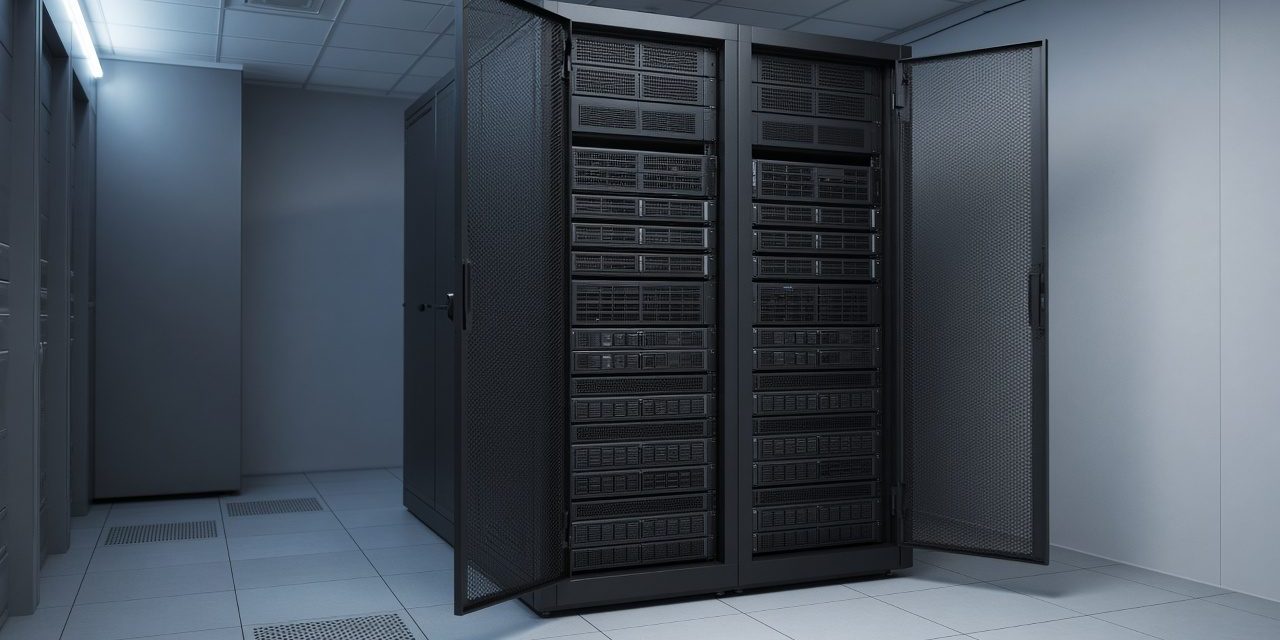
Servers and storage are where a site’s recordings and records actually live: camera video, the access-control database, the BMS history, and the applications people open every day. The box is the easy part. The useful questions are how long the data must be kept, what failure it must survive, and what happens to it when the power fails. This sheet answers those in plain terms.
What to know before a rack is filled
- What is being stored. Video is large and is written all day. A database is small and is painful to lose. They are not the same disk plan.
- How long it must remain. Retention for cameras, and a recovery point for everything else: how much recent work you can afford to redo.
- Who needs it when the server is off. A second copy, in another place, is the answer to theft, fire, and a deleted folder. A second disk in the same box is not.
- The room. Power, cooling, and a rack with a path for cables. A server on a cupboard floor next to a heater will not meet its own assumptions.
Server, NAS, and RAID
| What it is | Typical PSS use | |
|---|---|---|
| Rack or tower server | A computer built to run all the time: the applications, the recording software, the databases | Site systems that need a proper operating system and a service window |
| NAS | Network attached storage: disks shared on the network, simpler than a full server | File shares and a place for camera or backup storage |
| SAN | Storage on its own network, shared by several servers as if it were local disk | Several hosts that must see the same large store |
| RAID | Disks working as one set, so a failed disk does not take the data with it | Any store that cannot wait for a restore just because one disk died |
RAID is redundancy inside the box. It keeps the system up through a disk failure. It does not help if the whole box is lost, if someone deletes the recordings, or if ransomware encrypts the volume. That is what a backup copy is for, kept on a different device and preferably a different room. PSS sizes the server and the disks for the retention the site asked for, and plans that second copy in from the start.
Power is part of storage
A recording server that loses power in the middle of a write can corrupt the volume you needed for last night. The UPS on that rack is there so the machine can shut down cleanly, or keep writing through a short cut until the generator is online. Cooling matters for the same reason: disks and power supplies fail early in a closed cupboard. A small server room is a design (rack, cooling, and power distribution), not a leftover space.
Practical server and storage design notes
- Calculate capacity from the workload. For video, use camera count, codec, bitrate, recording mode, and retention. For applications, include database growth and temporary space.
- Separate availability from recovery. RAID and redundant power keep a server running through some hardware faults. Backup, restore testing, and an off-device copy handle deletion, corruption, fire, or theft.
- Monitor the room and the system. Disk health, RAID state, UPS events, temperature, backup result, and storage usage need alerts that reach a named person.
Commissioning should include a controlled disk-failure test, backup and restore test, UPS shutdown test, application recovery, time synchronisation, user permissions, and a review of the actual recording retention after the first operating period. Keep server serials, IP addresses, licences, diagrams, and recovery credentials in the handover pack.
Common problems and how to fix them
The cameras record, but only for a few days
The disks were sized for fewer cameras or a lower quality than the ones now in use. Retention is arithmetic. Add capacity, or lower the quality on the views that do not need it. Guessing at purchase time is how this happens.
A disk failed and the RAID did not save us
The array had already lost a disk weeks ago, and nobody replaced it. RAID only survives the failures it still has spares for. Alerts have to reach a person, and a spare disk has to be on site or on a short delivery.
The backup job has been failing quietly
A backup that is not opened and checked is a hope. Schedule a restore test of one file and one database onto another machine. That is the only proof the copy is a copy.
Frequently asked questions
Is RAID a backup?
No. RAID keeps working when a disk dies. A backup is a separate copy you can return to after deletion, corruption, or a lost machine. You want both.
NAS or a server for the cameras?
If the recorder is an NVR appliance, it may need only extra disks. If recording software runs on a computer and other applications share it, that is a server, with storage sized for the retention. A NAS fits shared files and a straightforward video store.
Does the server room need its own UPS?
The equipment that must shut down cleanly, or keep recording through the start of the generator, needs UPS power. That is often a small UPS in the rack, fed later by the site generator, not an extension lead from a corridor socket.
Talk to PSS about storage
PSS sizes and installs servers and storage for recordings, access and BMS data, and the site’s applications. Contact the PSS team to book a first site survey.
